Apple Home App Adds Light Icon Customization Options
I've learned today that you can customize Apple Home App light icons.
Long press on the light you want to customize -> Accessory Settings -> tap the icon beside the light’s name.
You get 15 options, while I would like a few more it’s enough to better differentiate the lights in my room.
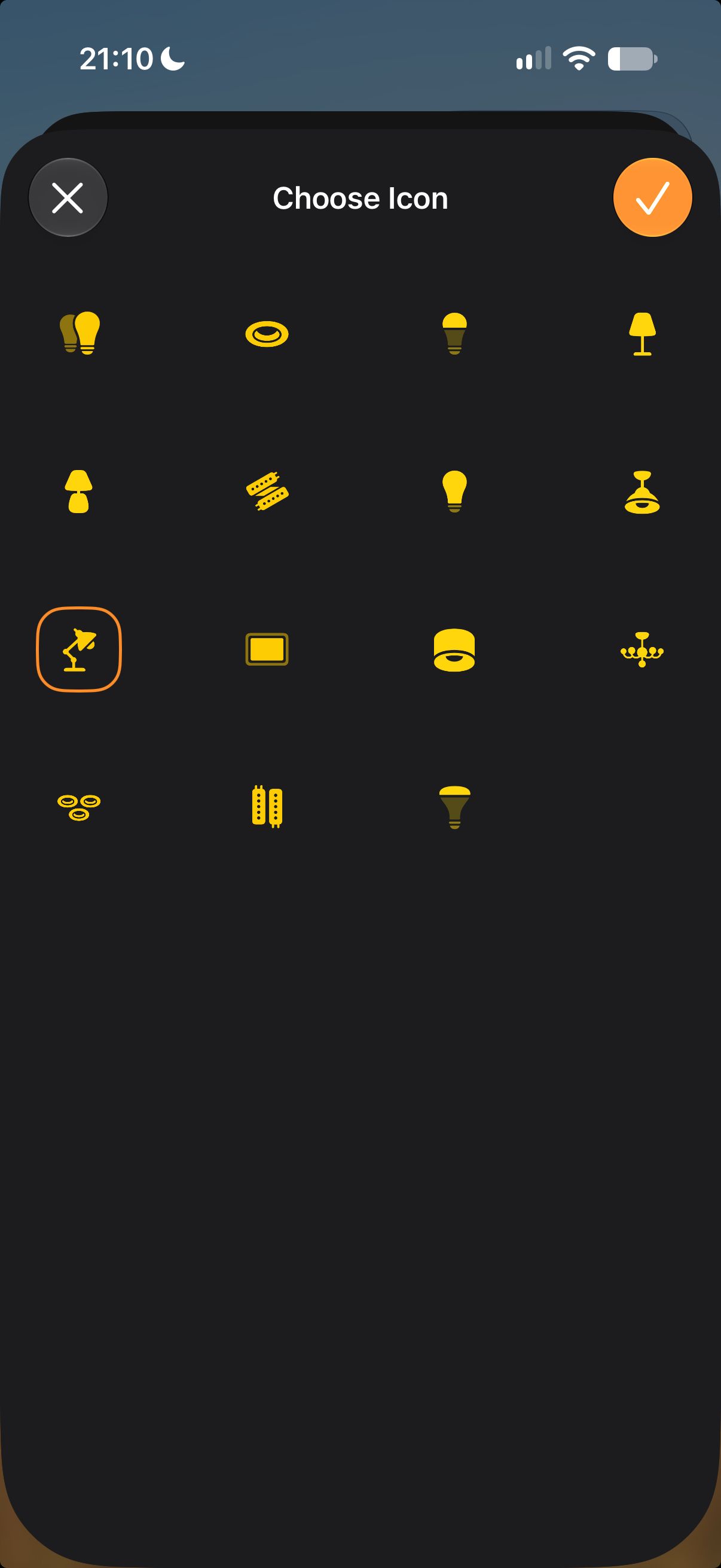
I love these tiny details in Apple Software, and I wish there were more of such things. I also like this type of icon customization as someone who sees words more like symbols than anything else so I’m naturally more drawn to symbols.
Perhaps this was already present in previous OS versions, but I’ve only noticed it today while I tinkered with my Wifi, which made me re-pair one of my lights. Sometimes minor inconveniences bring you little gifts along the way.
Since posting, some pointed out that this feature has been available for a while and wasn't introduced in iOS 27. I appologize, but I'm glad I now know it exsits.